
Large Memory Pages in Proxmox

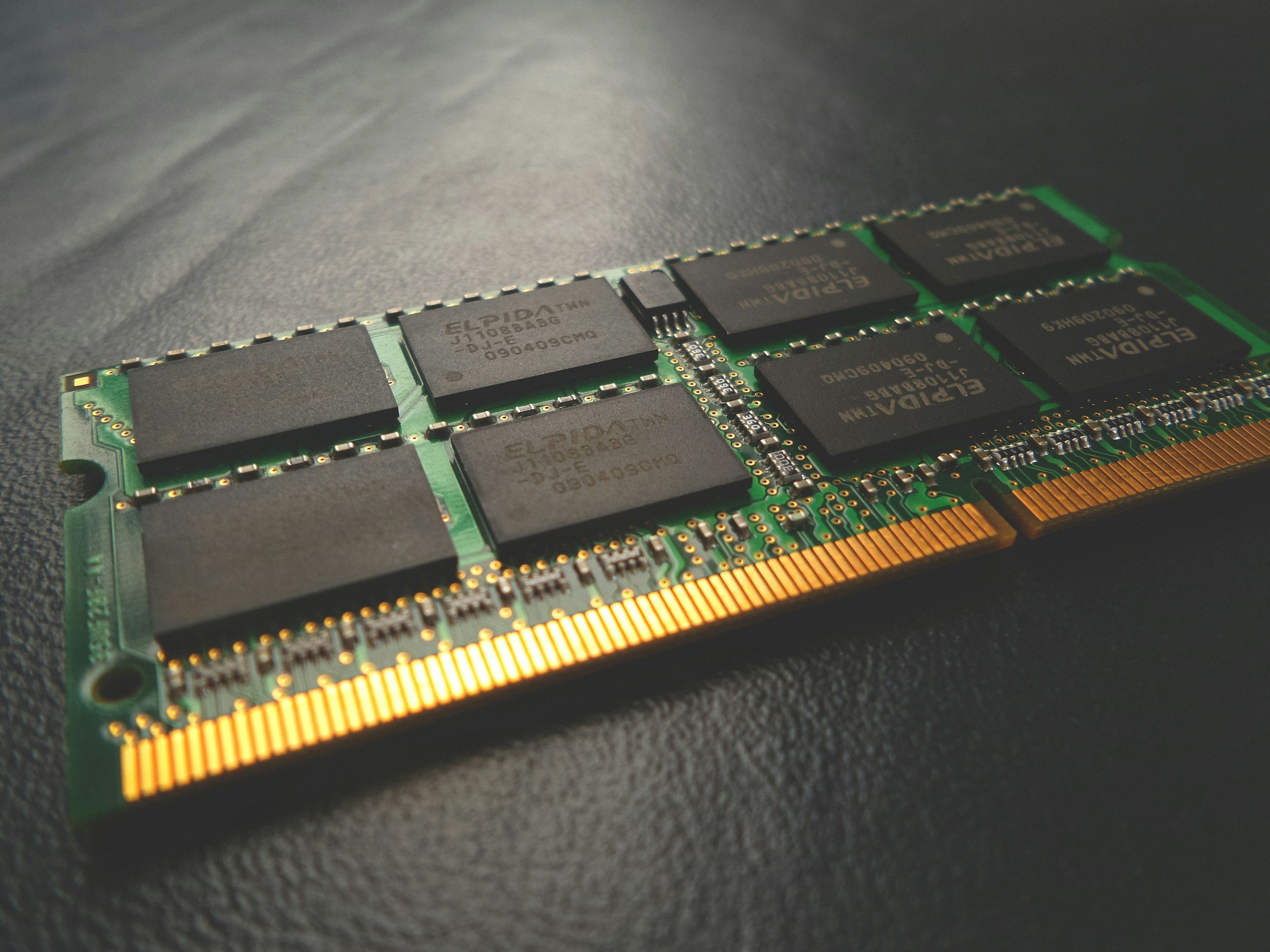
Enabling large memory pages (aka HugePages on Linux) can improve performance in applications that require lots of memory. One of those applications happens to be virtual machines.
Using large memory pages means that, instead of keeping track of many, small blocks of memory, the CPU can just manage fewer, big blocks. Page sizes are typically 4 KiB. With HugePages, we can increase that to usually either 2 MiB or even 1 GiB.
Check what HugePage sizes are supported on the system:
# ls /sys/devices/system/node/node0/hugepages/
hugepages-1048576kB/  hugepages-2048kB/
My system uses systemd-boot instead of GRUB, so I must edit /etc/kernel/cmdline and add something like this to the one line:
default_hugepagesz=1G hugepagesz=1G hugepages=4Example config:
# nano /etc/kernel/cmdline
root=ZFS=rpool/ROOT/pve-1 boot=zfs quiet default_hugepagesz=1G hugepagesz=1G hugepages=4
Then run:
# proxmox-boot-tool refreshFor the VM to actually use HugePages, we have to add the relevant line(s) manually, as Proxmox does not expose it in the UI:
# nano /etc/pve/qemu-server/$ID.conf
memory: 8192
hugepages: 1024
keephugepages: 1 # optional
Check if HugePages_Free gets used up
# grep Huge /proc/meminfo
HugePages_Total:       4
HugePages_Free:        0
Sources:
https://dev.to/sergelogvinov/proxmox-hugepages-for-vms-1fh3